
Nov 11
15
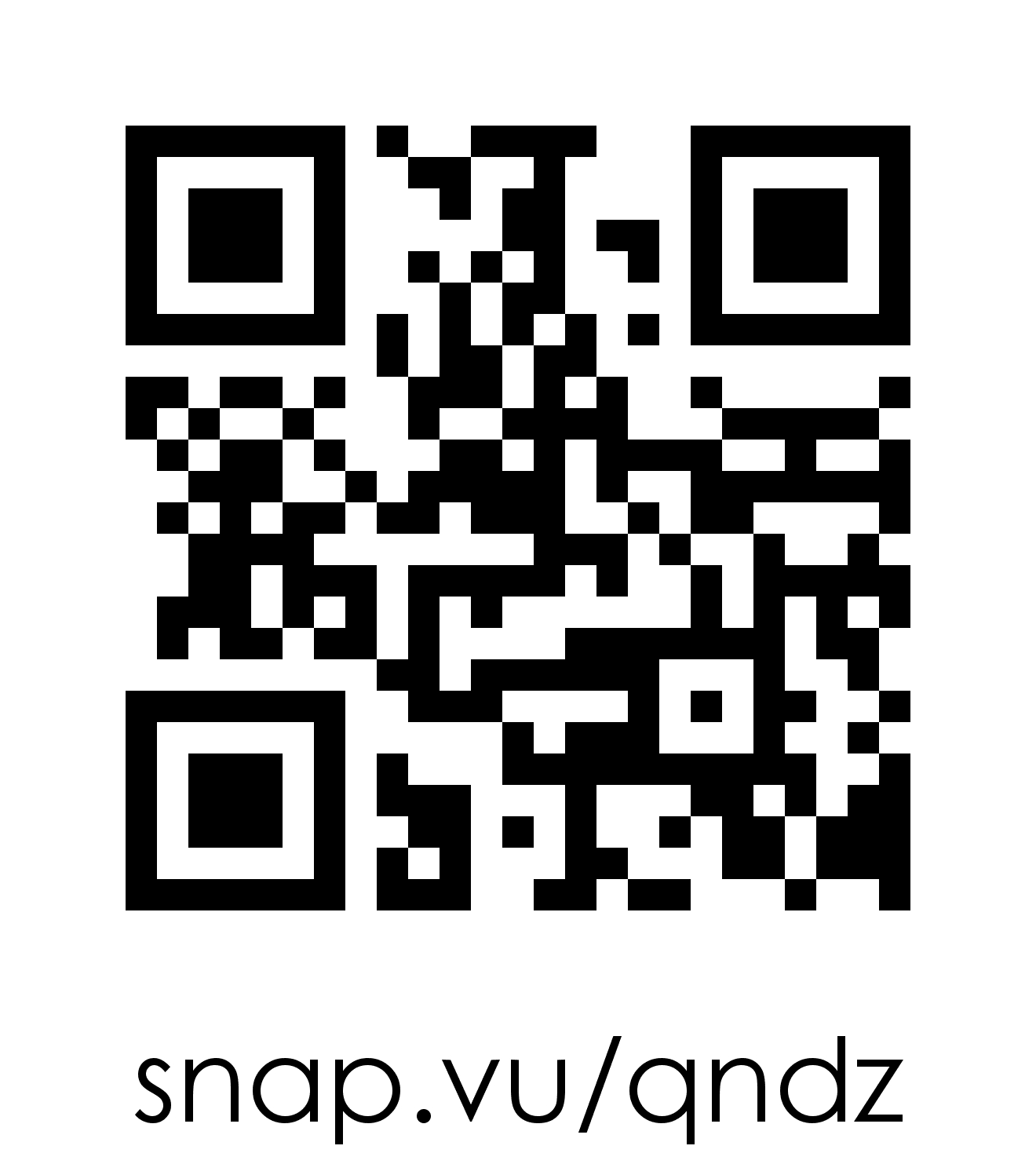
QR code for my site
Have you seen these fuzzy pictures around the place that look like a picture on a smashed 1998 nokia phone screen? That’s a QR Code and many people are still unsure about what a QR code is.
What’s a QR Code?
QR stands for Quick Response and it is a 2 dimensional type of matrix barcode. Simply put, its a barcode and it can only be read by a scanner (a smart phone with a camera will do) which you can quite easily
download to any smart phone.
The scanner interprets the unique code and usually sends the person to some information. Basically it’s a way for people to interact with offline print media and link them directly to more related information about the topic online.
What Are QR Codes Used For?
QR Codes are used to link to many things including:
- Website or other internet pages
- Event details
- Product details
- Social media profiles (Facebook, Google-plus, Twitter)
- Videos
- Online competitions
- Special offers
- A Coupon
- Locations
- Contact cards with contact information that can be saved
- Much much more. Basically anything you can link to online!
Starting to see the potential??
So are business’s and you can expect to see them popping up a bit more in the offline world. Surprisingly Japan has been using them for some time but they are only really just starting to take off in the Western nations now.
How Do I Get a Scanner And How Much Is It Going To Cost?
Simply go to the App store (iPhones) or Marketplace (Android) and search for ‘QR reader’. Most QR scanners are FREE and will come with a range of added benefits including a QR Composer (so you can make your own) and other features that tie in nicely with the reader.
When you see a QR Code simply go into the App on your phone, point the camera at the barcode and press scan (your really just taking a picture and the
software “reads” information in the image). Within seconds it will link to the coupon, promotion, video or some type of content.
How to make your own QR code
Fortunately QR code’s are easy to make! Site like Kaywa.com let you type in a link and instantly generate a QR code. It even gives you a code you can imbed if you can’t be bothered cutting and pasting the image.
Other sites let you incorporate colours and pictures. You can really personalise your QR code and make it stand out from the crowd!
Case Study 1:
(We’ll start with me!) I am about to launch a product and I want to look at some alternative ways to market it offline in places where my
market will be. I’ve decided a QR code represents technology and represents my product theme well. Having a QR Code will basically allow me to send people to an opt-in page right from wherever I put up the poster and capture their email instantly.
The user experience will be instant access to a free product that they can access on the spot in a unique way. It’s an engaging experience for the customer and a new way for me to promote my business to people who otherwise may never have found out about my products and services.
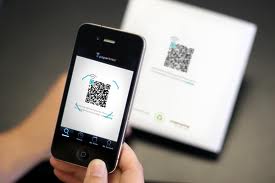
Scanning QR Code
Case study 2:
I recently went to a coffee shop and as I was making my purchase I noticed a QR code. This shop had worked out a clever use for the codes. Basically they had linked in with other independent coffee shops who must all share the code.
Each time you buy a coffee you can scan the code and it links you to a loyalty website that records your purchase and you get the 8th drink free. They also have special coffee discount coupons on there from time to time. No need to carry a loyalty card around any more!
Case study 3:
You might see a movie poster at a bus stop for the latest movie. On it is a QR code. Scanning it will link you to session times and the ability to purchase movie tickets and merchandise direct from your phone.
The opportunities are endless.
With the increasing use of smart phones and internet integration in to basically everything, the rise and popularity of QR codes can only increase. The technology is mature and has actually been around for some time.
The potential uses are almost unlimited!
Make sure you’re at the forefront of this technology and think about how you can incorporate it into your marketing plan.
Tips:
To see some colourful and creative QR codes Google ‘Adidas QR code’ and ‘Calvin Klein QR Code’ BUT only after you leave a comment below telling me how you could use it in your next campaign!
Nick Lawless
